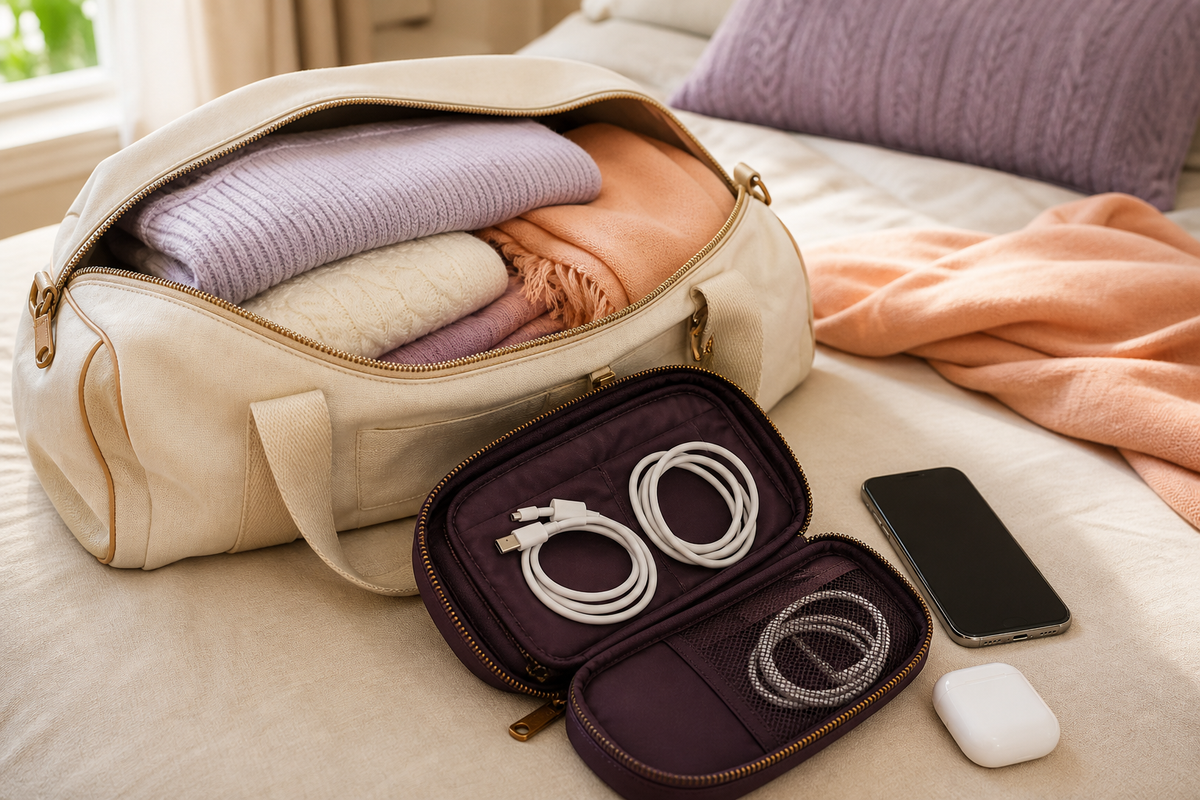
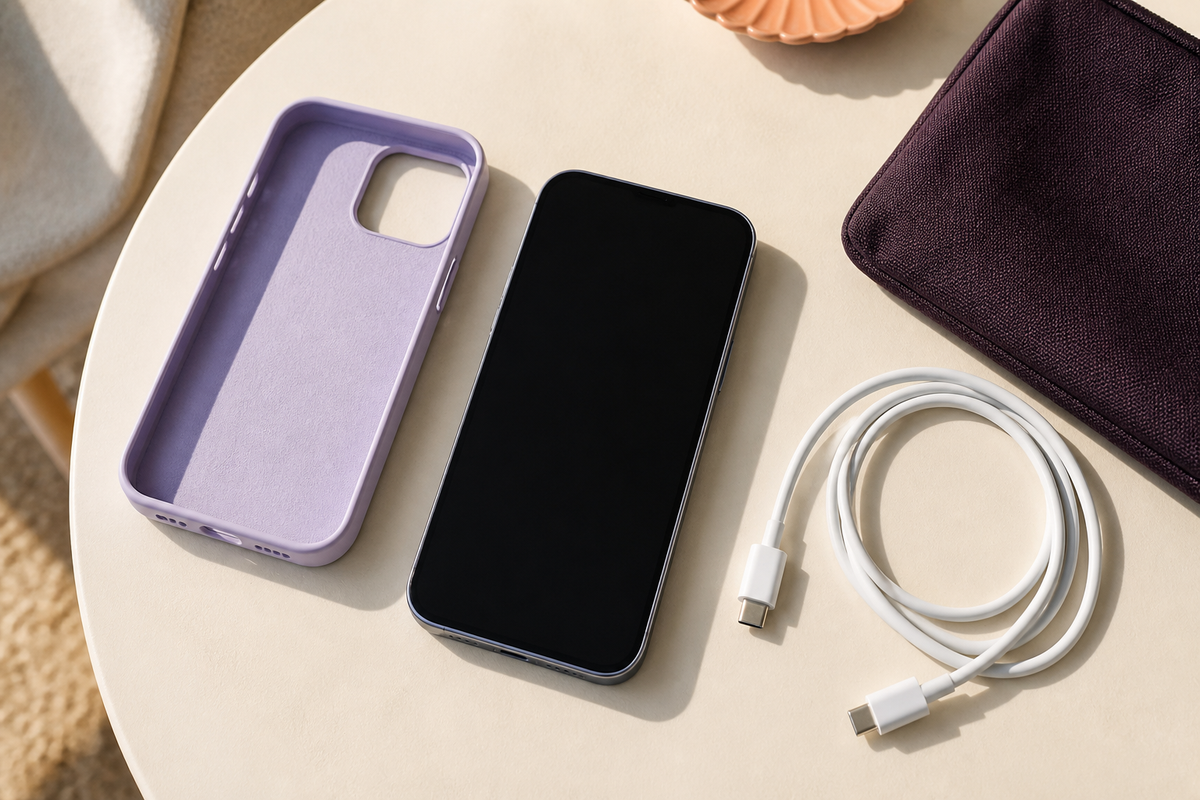
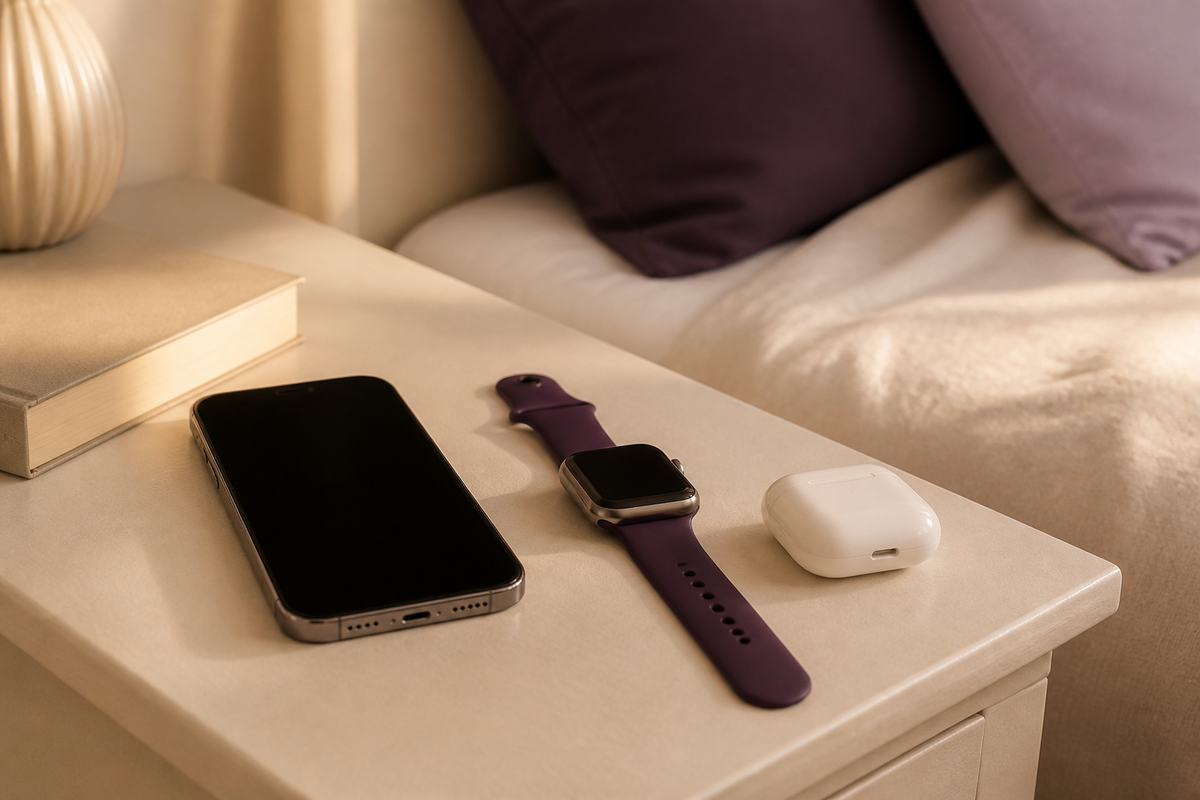
The evening wind-down
Give your essentials a place to land.
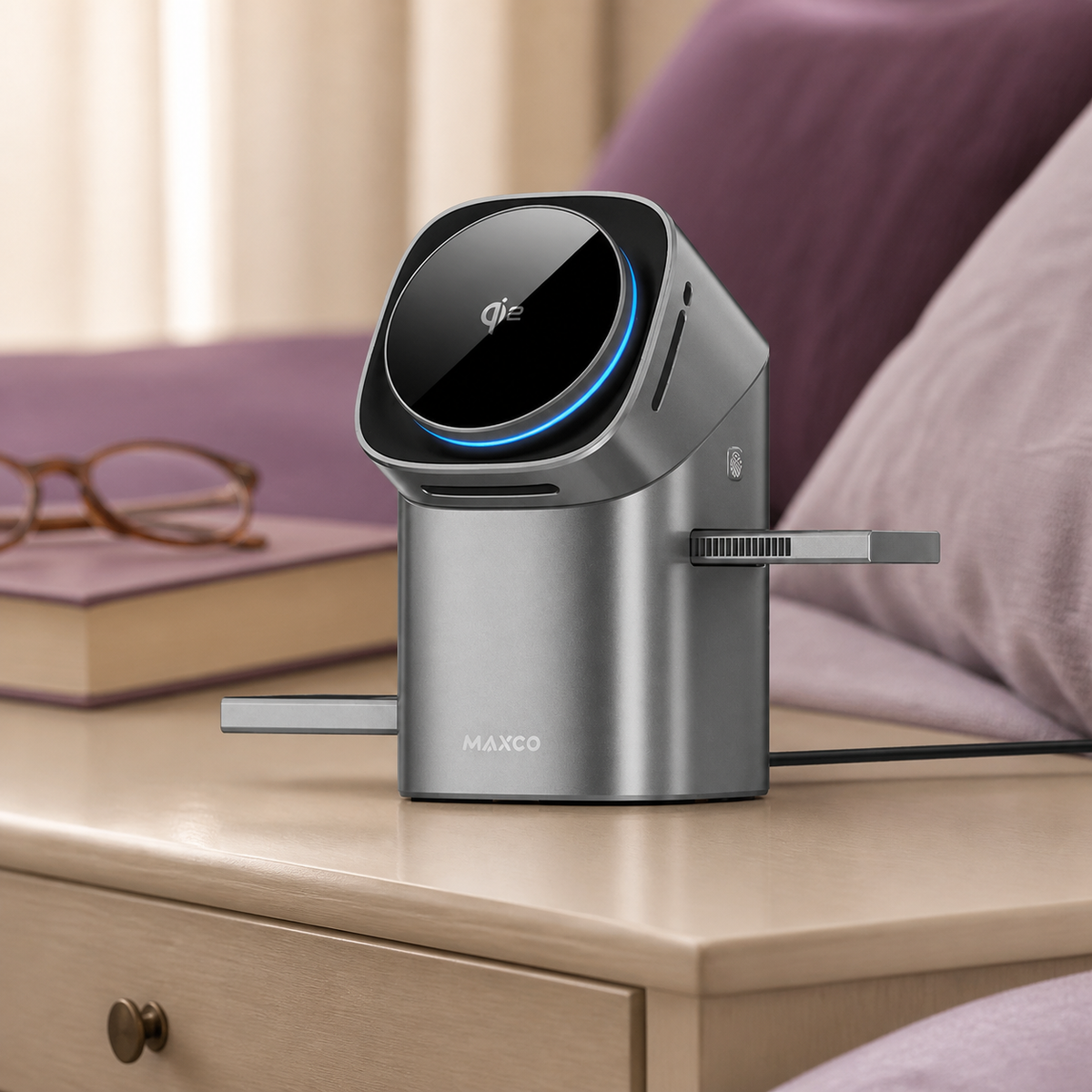
A compact stand for a compatible phone, watch and earbud case, with side pads that tuck away after use.
Charging for the day ahead
Put your phone, watch and earbuds down for the evening. Find a charging setup that brings compatible devices together, ready for whatever tomorrow holds.
A place for your daily devices to charge. A little less to think about before tomorrow starts.
Check your device and case compatibility before choosing.

Start with your charging routine
Choose the place you charge, then the devices you want to bring together.
The evening wind-down
A compact stand for a compatible phone, watch and earbud case, with side pads that tuck away after use.

The daily plug-in
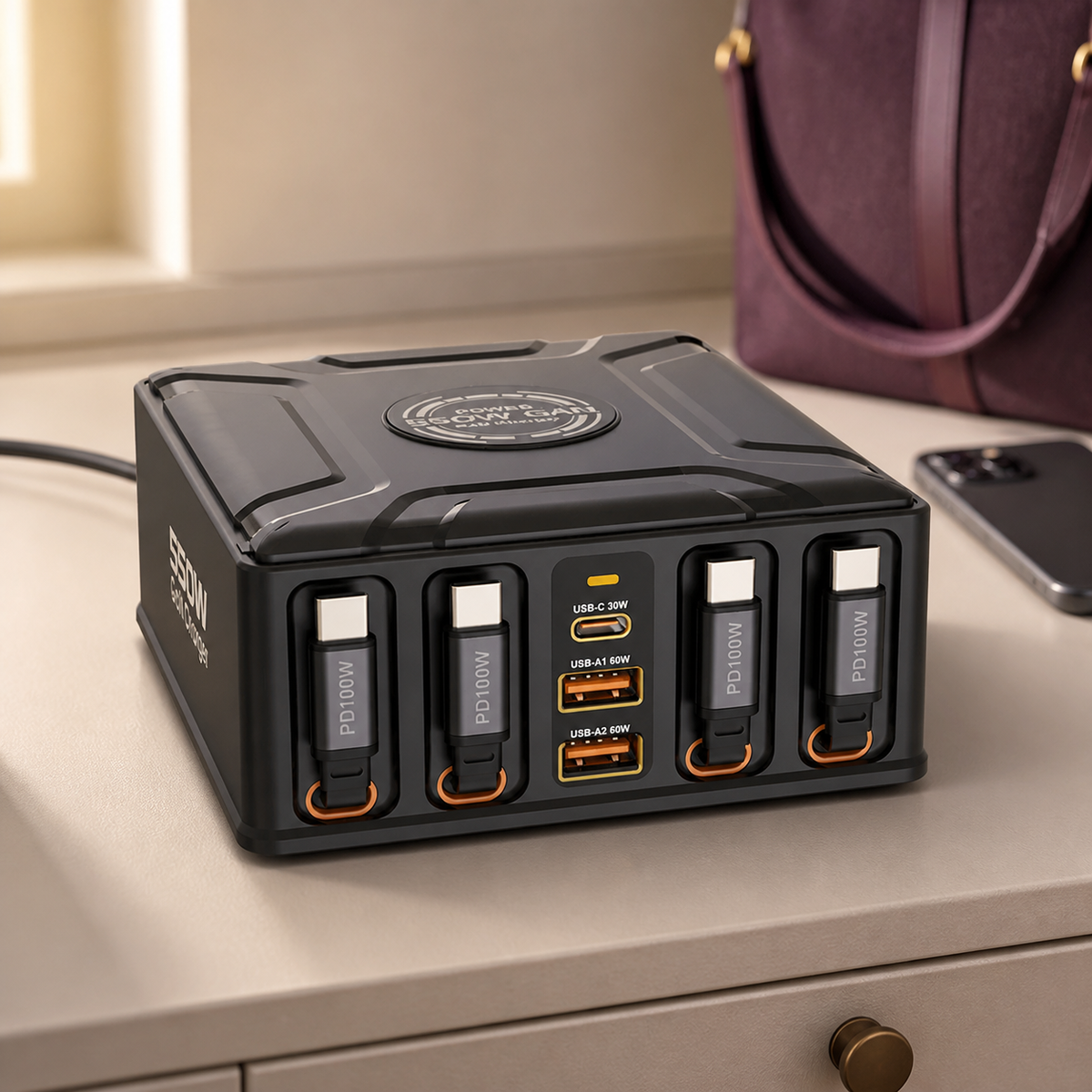
4 built-in USB-C cables and 3 extra USB ports give compatible devices a shared charging spot.

The weekend away
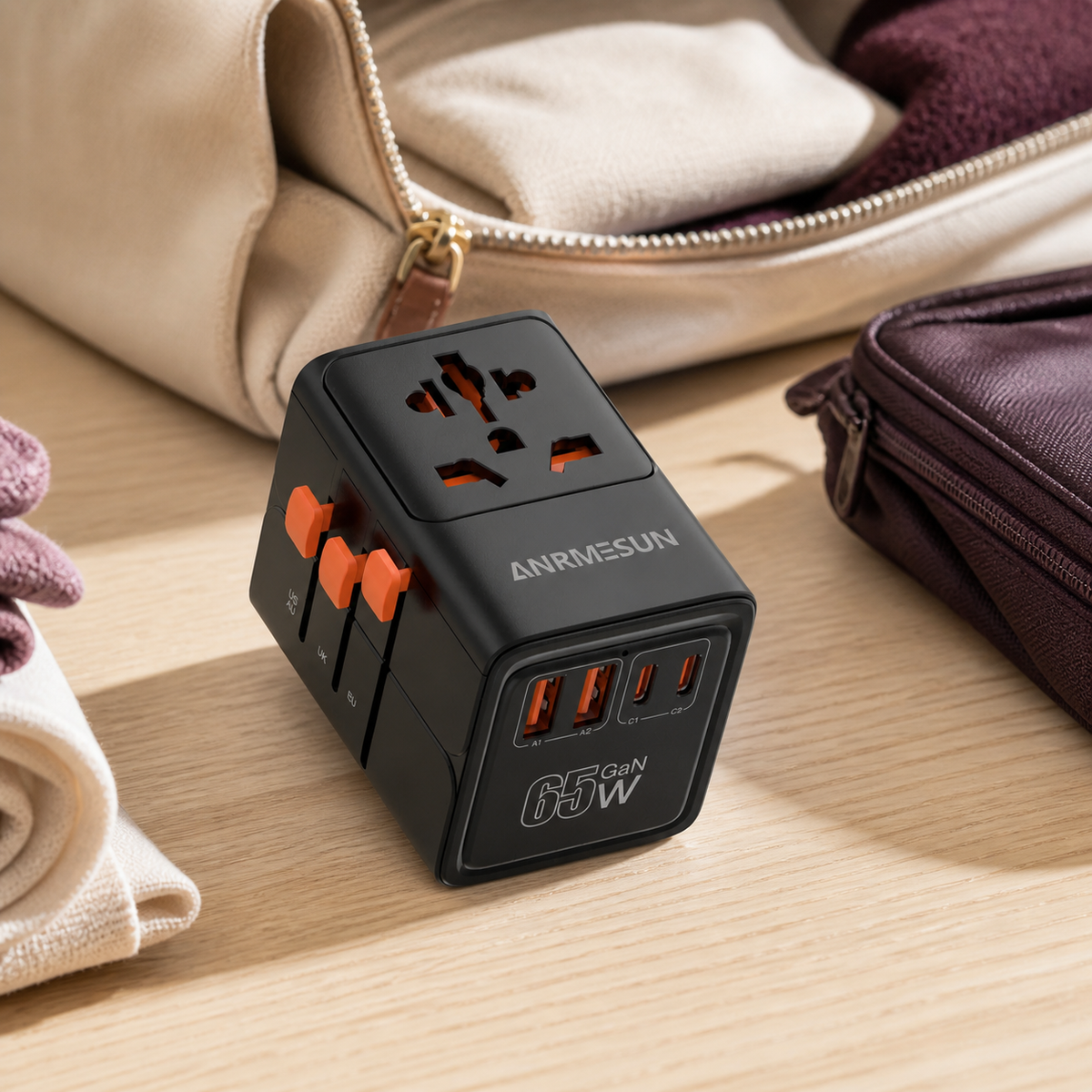
Keep your plug adapter and USB charging connections together. Choose a version for your destination and devices.
A home for your daily essentials
Your phone, watch and earbuds do not need to take turns in the same spot. Watch the side pads open, then see compatible devices placed together while the phone screen stays in view.
Use the charging positions you need, with side pads that tuck away when finished.
Watch the side pads open for a compatible watch and earbud case, while the magnetic phone pad keeps the screen in view.
A person opens the stand's side charging pads, places a watch on 1 pad and an earbud charging case on the other. The phone is shown upright and sideways on the magnetic pad.
The stand remains connected to an external power supply. Check your exact phone, watch, earbud case and phone case before choosing.
Meet the charging essentials
From a simple phone pad to a shared charging station, find the setup that fits your devices.
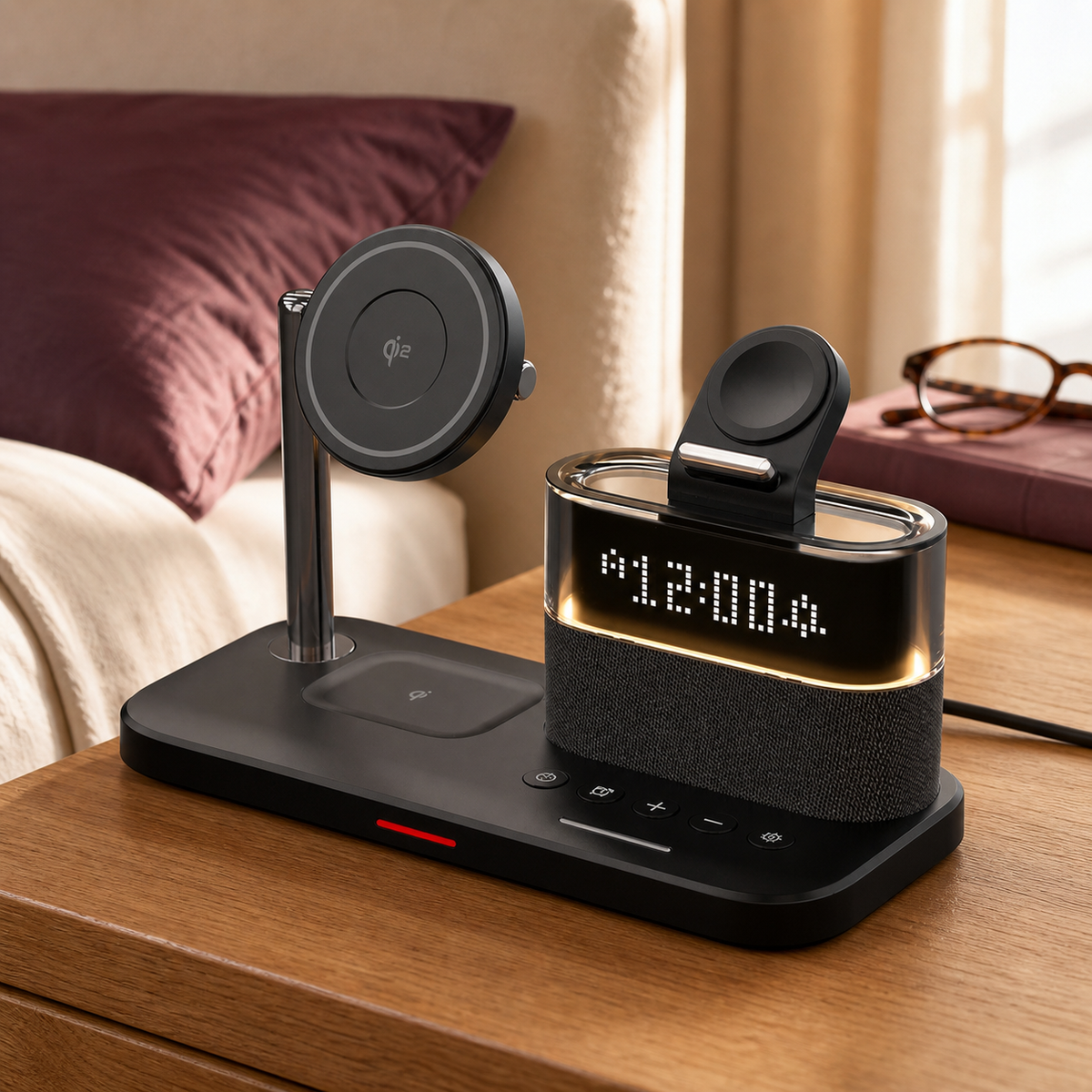
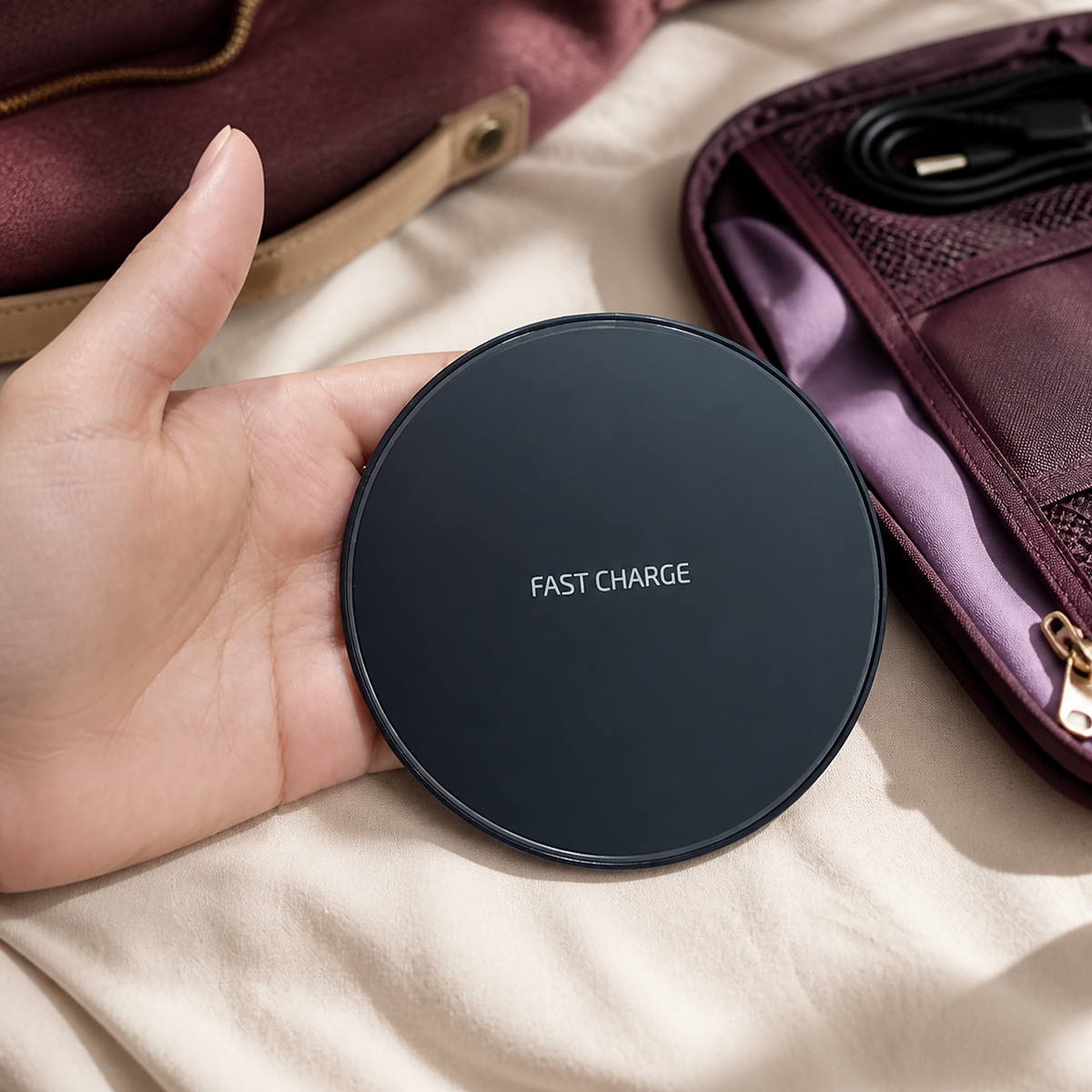
Small change. Easier evenings.
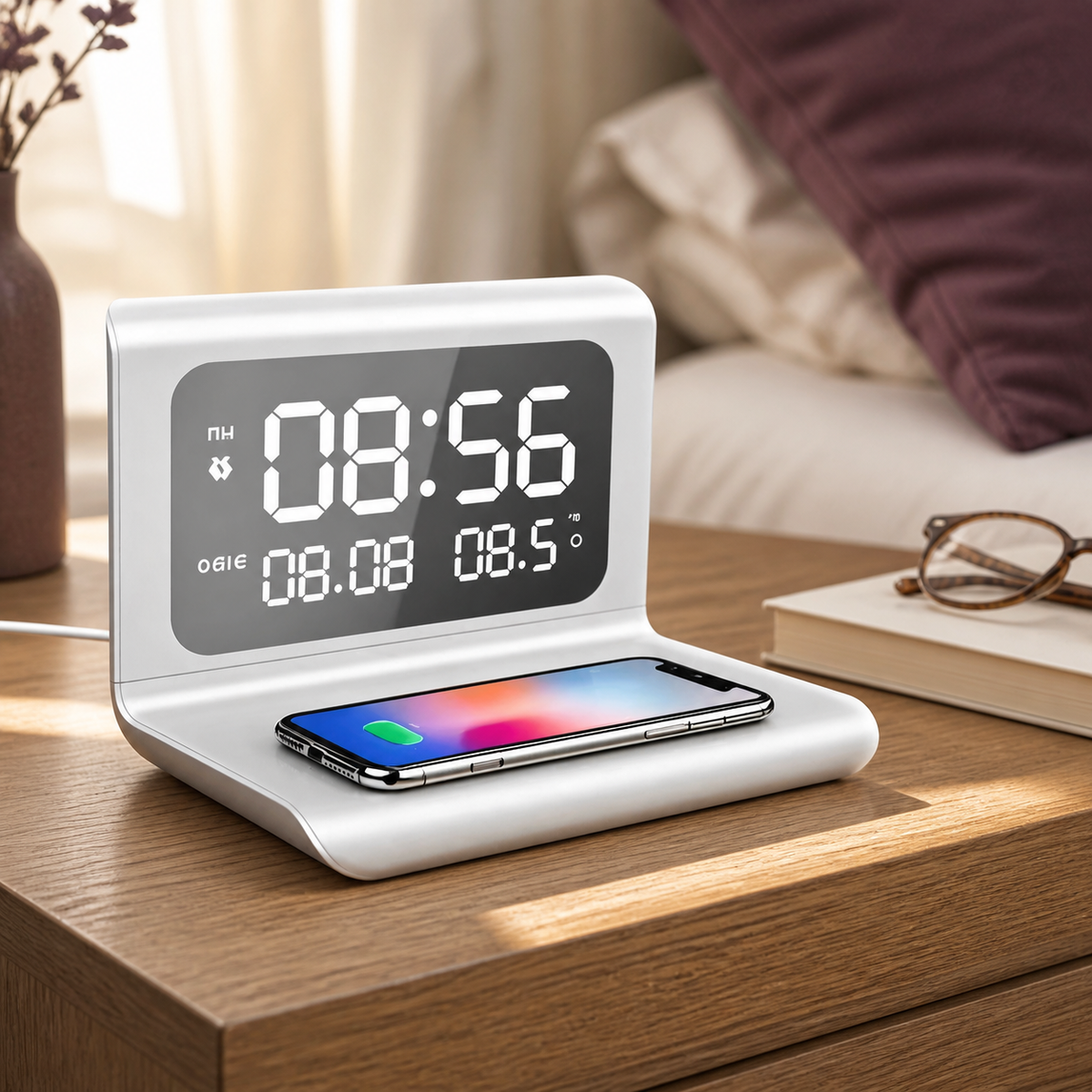
Your bedside does not need to become a row of separate essentials. This charging stand brings a compatible phone pad, digital clock, alarm and temperature display together.
A familiar place to put your phone when you turn in, with the time there for a quick glance.
A compatible phone pad, digital clock, alarm and temperature display in 1 bedside setup. Give your phone a place to charge when you put it down for the night.

Less searching for a lead
The useful part is right at the front. 4 built-in USB-C leads are ready to pull out when a compatible device needs plugging in, with 3 extra USB ports for suitable cables of your own.
See the leads extend and connect, then choose a shared charging spot for your daily devices.
See the built-in USB-C leads extend and connect to devices. 4 retractable cables and 3 extra USB ports give compatible devices a shared place to plug in.
The clip shows the cable ends stored at the front of the station, then the leads extending towards devices. It finishes with a USB-C connection to a laptop and tablet.
Use the supplied instructions to retract the leads. Check each device's connector and power requirements; the footage is not evidence of a particular charging speed.
Make the right connection
A charging setup should fit what you own. Start with the details that matter.
Check the exact phone, watch and earbud case models. Wireless charging support can differ between versions.
Check that your case suits the chosen charger. Rings, cards and other attachments can get in the way.
Check the adapter, cable and socket requirements in the product details. Each setup needs a suitable external power supply.
The ONDYRA way
The train ticket. The directions. The message that says “see you there”. Your devices help those little plans happen.
We bring together charging essentials for the places your day starts, pauses and takes you next. Useful tech should take less of your attention.
Your tickets, directions and next hello. We bring together charging essentials that help you spend less time thinking about charging, and more time getting on with your plans.

Before the bag is zipped
Your destination is decided. Now check the socket. This short close-up shows the adapter's sliding plug selectors, helping you understand how the plug formats are stored in 1 unit.
Match the selected version to your destination and devices before travelling.
Watch the plug selectors slide into place. Check your destination socket and the selected adapter version before it goes in your bag.
A person holds a white travel adapter and operates its side selectors to extend different plug pins. The adapter is shown unplugged.
The white 4-port version is shown. Port layout and power specifications vary by version. A plug adapter does not convert mains voltage; check the destination supply and your device requirements.
Good to know before you go
Clear buying guides and practical checks for the devices you use every day.
Choose with the details in view
Need help with a particular setup? Send us the product name and your exact device models.
Start with what you charge each evening. A phone pad suits 1 compatible device. A multi-device stand brings compatible phone, watch and earbud charging positions together. For devices that use cables, look at the station with built-in USB-C leads.
No. Check your exact device model, its wireless charging support and the selected charger version. Your case can affect fit too. Read the compatibility details before ordering.
Yes. The charging pads and stations need a suitable external power supply. Check the product details for the required adapter and cable, and what is included with the selected version.
Check the exact destination socket and the selected adapter version. Also check your device voltage and power requirements. Do not assume a plug adapter converts voltage.
Read our shipping policy and returns policy before ordering. If you need help with your order, use our contact page.